
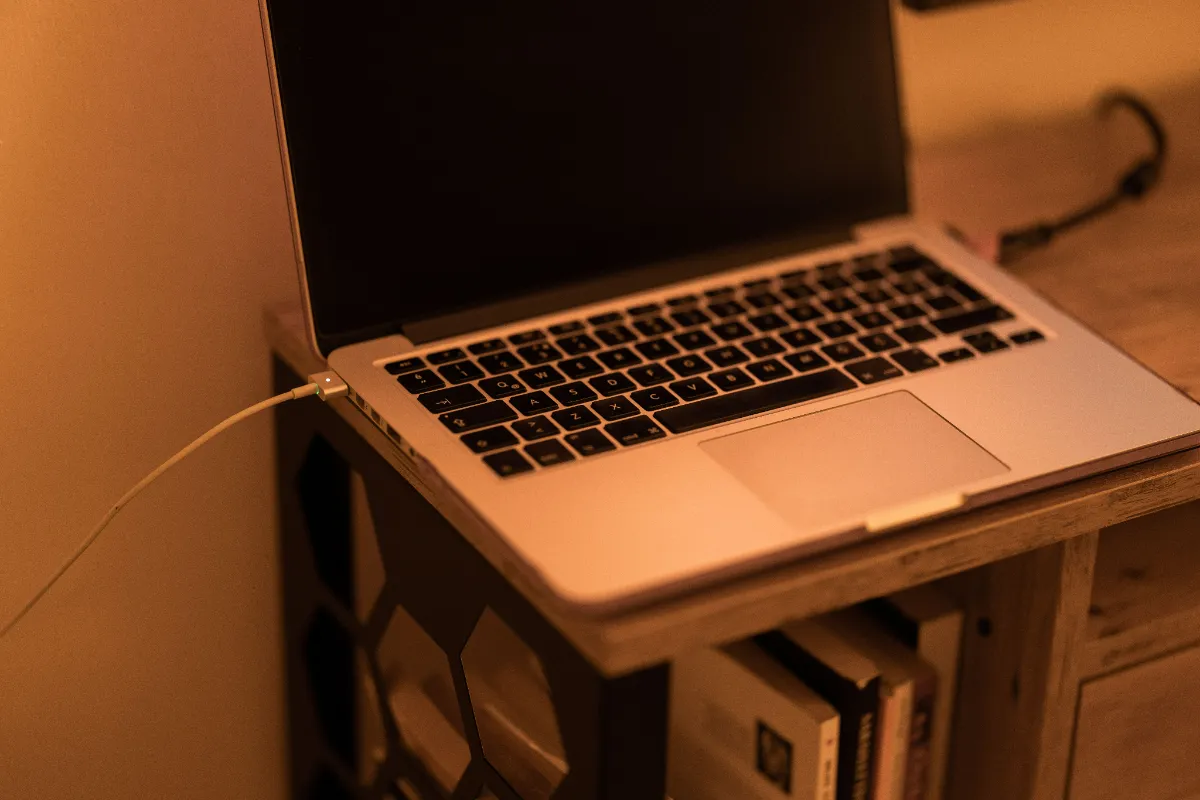
Reading text should be the lightest thing you ask a computer to do. A page of words and a couple of images barely registers on a machine built to edit video and run games. So there is something genuinely strange about closing a news article twenty minutes after opening your laptop and finding it hot, loud, and a quarter of the way through its battery. Nothing you did explains it. Something you cannot see does. This article traces where that power actually goes, why it wears your hardware down over time, and where the Total Adblock Browser Extension app can cut the drain off before it starts.
The morning that makes no sense
Picture the setup. Full charge at nine, coffee in hand, three ordinary tabs open — a news site, a weather blog, a recipe you meant to try. You are scrolling text. No rendering, no gaming, no giant spreadsheet grinding in the background. By any reasonable measure your laptop should be barely awake.
Instead the fans climb. First a soft whir, then something closer to a hairdryer, and the underside of the machine goes warm enough that you shift it off your lap. You glance at the battery and it has slid from full to three-quarters in a stretch of time that should have cost it almost nothing. You check whether some forgotten app is chewing through the processor. Nothing obvious is running.
That mismatch — trivial task, enormous power cost — is the tell. The work exhausting your battery is real and heavy, but it is not the work you came to do. It is happening underneath the article, on behalf of people you will never see, and the reading is just the cover story.
What the page is really running
The layout you see is a thin skin over what your processor is actually chewing on. Beneath the paragraphs of a heavily monetized page sit thousands of lines of JavaScript, much of it aggressive and poorly optimized, and it wakes up the instant the page loads.
The first draw is the ad auction. Before the page settles, scripts kick off real-time bidding — a rapid backstage auction where networks compete for the space around the text. That negotiation is computation, and your CPU foots the bill for every round of it. Then come the hidden video players, muted and tucked out of view, quietly looping high-definition commercials your eyes never land on. Decoding HD video is one of the more demanding things a laptop does, and here it is doing it for an ad you do not even know is playing.
The worst case is uglier still. Some ad networks smuggle in cryptojacking scripts, which hijack your hardware to mine cryptocurrency for someone else. Your processor gets pinned near its ceiling doing math that enriches a stranger, while you sit there reading about the weather. Whether it is bidding, looping video, or outright mining, the pattern is the same: your machine is running a computational marathon it never agreed to enter, and the finish line pays out to the advertising industry, not to you.
"The work exhausting your battery is real and heavy, but it is not the work you came to do. It is happening underneath the article, on behalf of people you will never see, and the reading is just the cover story."
Why the heat is more than an annoyance
A dead battery by lunchtime is irritating. The quieter damage is what that heat does to the hardware itself, and that part does not reset when you close the tab.
Lithium-ion cells — the kind in nearly every laptop and phone — age faster when they run hot. When unoptimized ad scripts hold your CPU near maximum, it pours out thermal energy, and that warmth seeps straight into the battery sitting beside it. Heat speeds up the chemical breakdown inside the cells, and that breakdown is one-way. It does not recover overnight.
Stretch that across months of daily browsing on the cluttered web and the effect compounds. The maximum charge your battery can physically hold may shrink over time. The device that once ran all afternoon can start hunting for a charger by mid-morning, and careful charging habits cannot always undo heat-related wear. So the cost is doubled. The scripts drain today's charge, and over time they can quietly saw away at how much charge your battery can hold.

Cutting the drain off with the Total Adblock Browser Extension app
Trace the whole problem back and it rests on one step. Every bit of it — the auctions, the looping video, the mining — requires that the heavy scripts first download to your machine and run. The CPU cannot burn power on code it never received. That single dependency is also the opening, because a connection can be refused before anything arrives.
That is the layer the Total Adblock Browser Extension app works on. Rather than letting your processor grind through the scripts and then trying to tidy up the visible banners afterward, it filters at the network level as the page loads. When it spots requests headed for known tracking telemetry, cryptojacking servers, or heavy auto-play video hosts, it severs those connections before the code reaches your machine.
Put plainly: the heavy scripts are starved at the door, so your CPU is left with almost nothing to do. The fans wind down, the underside cools, and the battery lasts far closer to what the spec sheet promised — because the marathon your processor was quietly running has been called off.
In keeping with the rest of this series, the limits deserve a straight answer. This acts on pages you load from the moment it is in place forward, and it targets servers and scripts recognized for this behavior, not every element of a site. It will not reverse battery capacity you have already lost to months of heat — that chemical wear is done — and it will not throttle legitimate heavy work you asked for yourself, like a video you chose to play or an app running in another window. What it does is stop the next hostile script from ever downloading, and against a drain whose entire power depends on running on your hardware unnoticed, refusing to load it is exactly the point that counts. The article you came to read still loads normally. What goes quiet is the machinery that was cooking your battery on someone else's behalf.
The proof is something you hear rather than read about. The fans go silent, the laptop cools under your hands, and the charge that used to vanish by lunch stretches through the afternoon. Same articles, same recipes, same weather — minus the invisible marathon.
Stop letting a page of plain text drink your battery dry. Let the Total Adblock Browser Extension app refuse the heavy scripts before they download, so your processor rests, your hardware stays cool, and your charge lasts the way it should.
